


Description
NOTE: THIS ADD-ON IS INSPIRED BY VALVE'S SOURCE ENGINE 1'S TOOLS, WHICH HAVE BEEN FULLY REDESIGNED/REFITTED TO WORK WITHIN MINECRAFT BEDROCK EDITION.
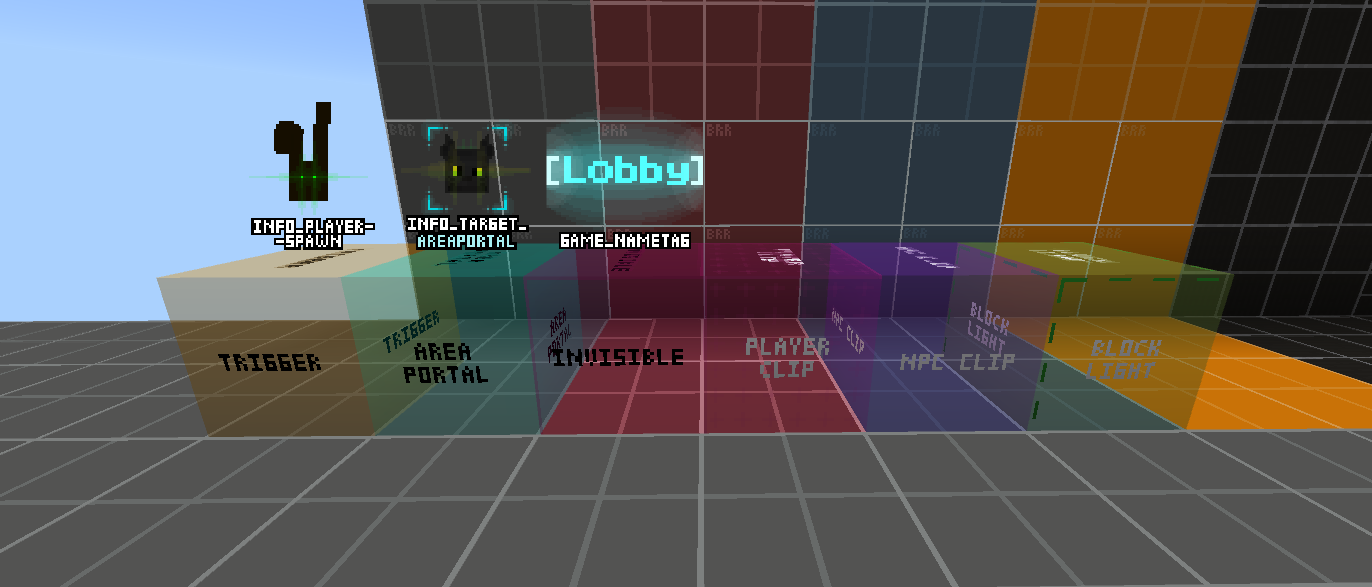
The Add-on features multiple blocks you can use to make your own unique minigame maps, story maps, horror, or whatever your mind can conjure! Go wild! The only true limit, is you! As of right now, the add-on features only 9 Tools to play around with: "Trigger Tool", "Area Portal Tool", "Invisible Tool", "Playerclip Tool", "NPC Clip Tool", "Blocklight Tool", "game_nametag", "info_playerspawn", and "info_target_areaportal". The tools are separated into 2 categories, "Tool Blocks" and "Logic Blocks". The tool blocks can merge together when you place multiple next to eachother, forming 1 unified area it affects. The logic blocks run all the time, cannot merge, and are mainly used as gameplay logic rather than interactivity the way the tool blocks require you to walk into them to trigger an event.
All blocks are invisible by default, you can change that by using the command: /brr engine_blocks_always_visible true. this will have all blocks visible at all times.
The blocks are configurable only when you're in creative mode.
you can also use tools_enabled false. this will disable all blocks entirely and shutdown any interactions with them.
These are all of the 9 Tool blocks so far!
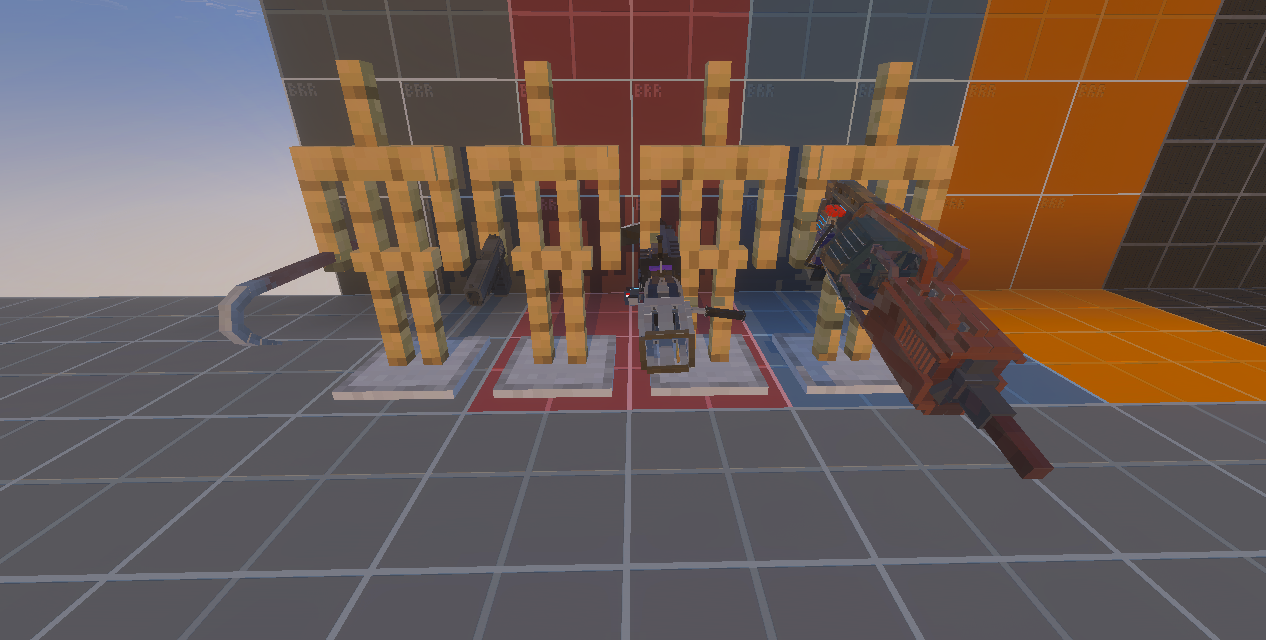
The addon also features 4 weapons from the game Black Mesa!
HOW TO USE:
Trigger Tool:
The trigger tool is composed of the following fields when you open it's UI:
"Class Info", "Outputs", "Existing Outputs", and "Inputs".
To edit what the trigger tool will do (and any block in the add-on in general), you will focus only on the Class Info section of the UI. If you want this block to change something in another one you created, use the Outputs section, choose which class info field to alter, and then input a new value which will be set whenver the class info of this block runs/fails depending on which trigger option you selected.
Inside of the class info for this block you will find:
Name:
Start disabled:
Execute on condition:
Condition value:
Condition value 2:
Condition value 3:
Command:
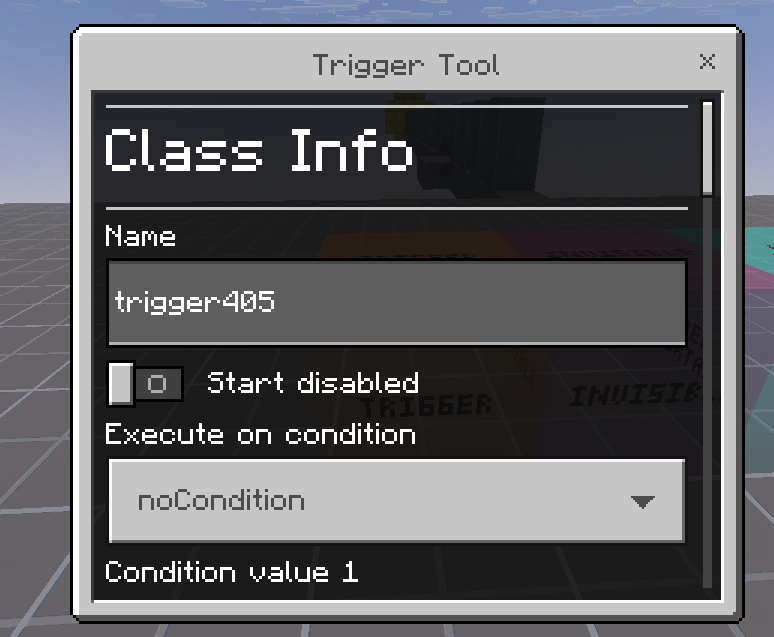
if you want to know the syntax for how to fill out conditions my only good advice for the time being is to try and save an empty trigger block with just the condition you selected. it will send an error message with the full requirements of what to do to make the condition work.
Area Portal Tool:
The Area Portal Tool is a physical reincarnation of /tp. It can be used for teleportation areas that send you somewhere else. This block is unlike any other because it has a direct connection to another block that you can use to make your effort much lighter! info_target_areaportal! That block's only purpose is to be linked with any area portal and be used as the exit point of a teleportation sequence. This allows you to save yourself the need of memorizing coordinates and use a block directly instead.
Invisible Tool:
The invisible tool is basically the barrier block 2.0, what does it do differently? it can be toggled on or off!
Switching it's "start disabled" state to true will disable it's collissions and allow you to walk through it if needed. It is not meant to be a replacement of the barrier block however, but I am sure people could find use of it.
This block does not feature any unique class info fields. (it cannot even send outputs, it can only receive inputs from other blocks)
info_playerspawn:
/setworldspawn, and /spawnpoint but cooler. By default this block acts as the world's spawn point, when you toggle it to act as a player spawnpoint it will do that instead! That's about it really. Yay.
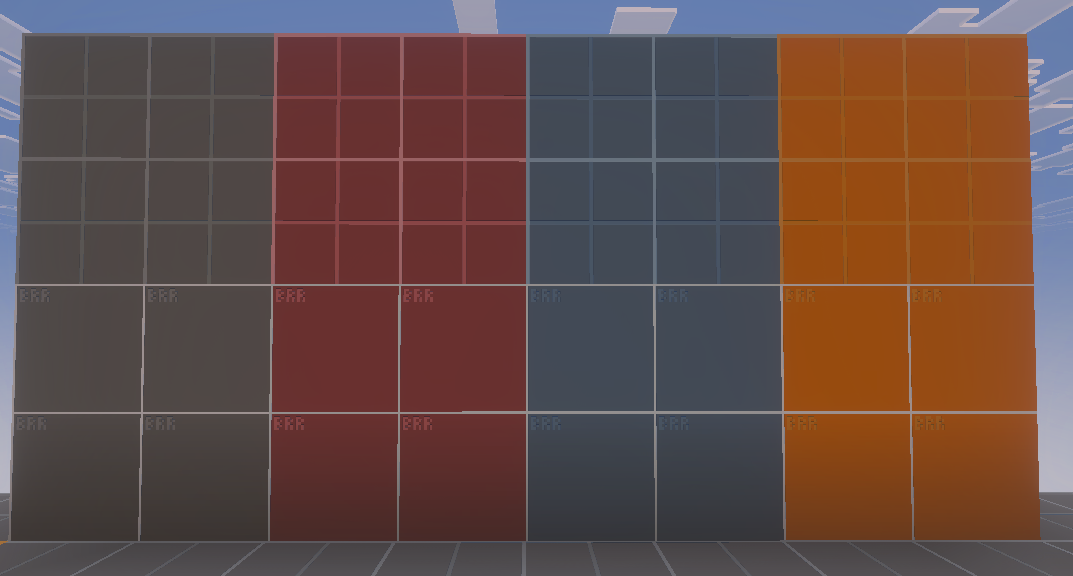
The add-on also gives you a couple decoration blocks:
Have fun trying it out and if you're interested in the many other tools that are planned to be added, and the already existing ones to be improved feel free to join my discord server and provide feedback if you feel like these 5 blocks could use a change, or if you want to suggest new ones.
Report any issues you discover as well (we love bugs)
Comments